Run TradingView on a dedicated VPS designed to handle high-volume charting, real-time market data, multi-device access, and automated alert systems. Our TradingView VPS ensures smooth, uninterrupted trading operations whether you monitor stocks, forex, futures, or cryptocurrencies.
Choose the ideal TradingView VPS plan for your trading setup. All plans include ultra-low latency Chicago infrastructure, AMD Ryzen 9 9950X performance, Windows optimization, multi-chart support, real-time alerts, free DDoS protection, and reliable 24/7 uptime for uninterrupted TradingView performance.
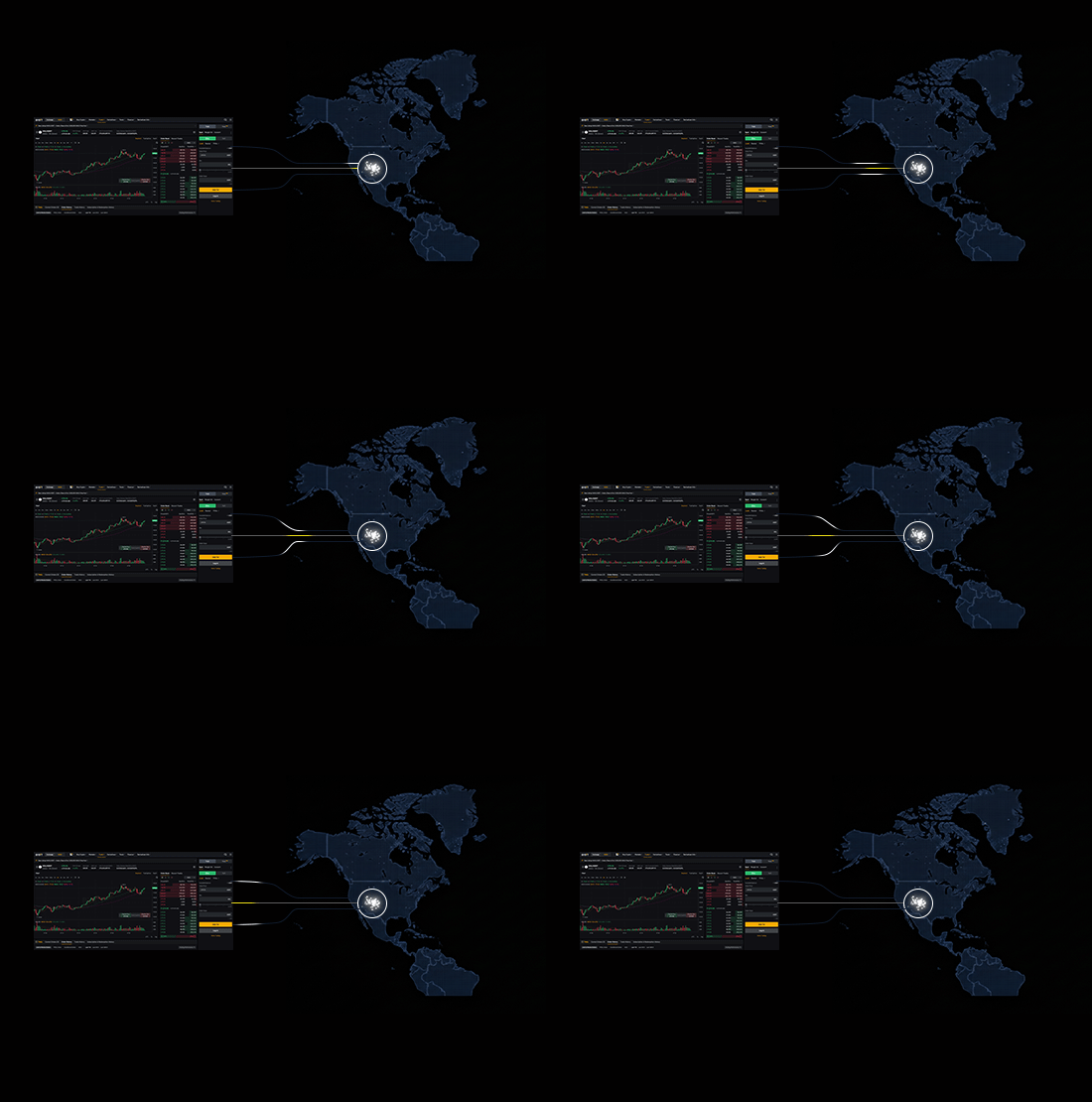
Our VPS infrastructure is hosted in major financial hubs with optimized routing to trading exchanges and data sources. This ensures ultra-fast market data streaming and reduced latency for real-time chart updates, alerts, and signals.
Whether you trade futures, forex, crypto, or equities, low-latency connectivity helps you react quickly to price movements, trend reversals, and market signals.
AMD Ryzen 9 9950X Performance for TradingView
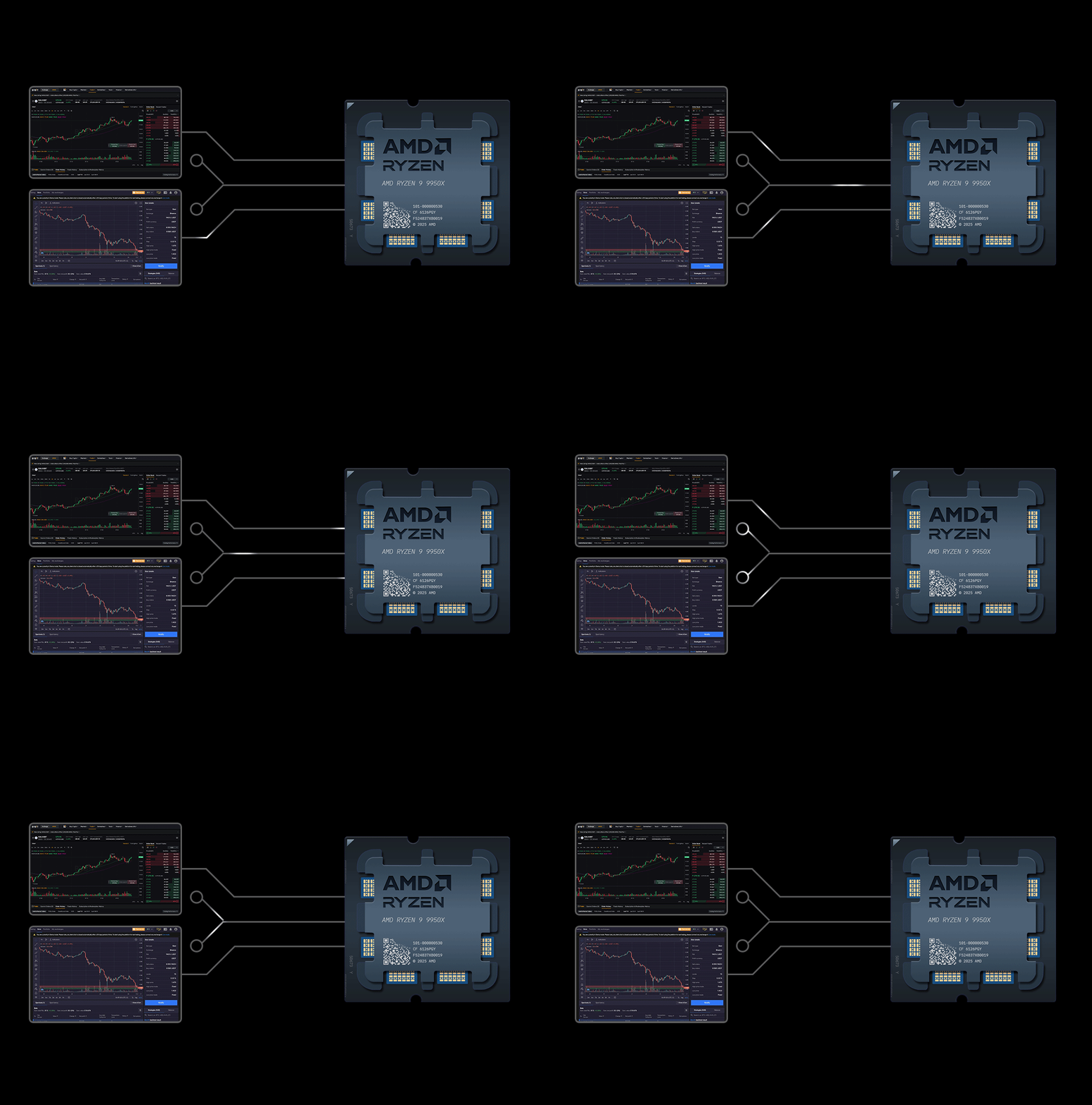
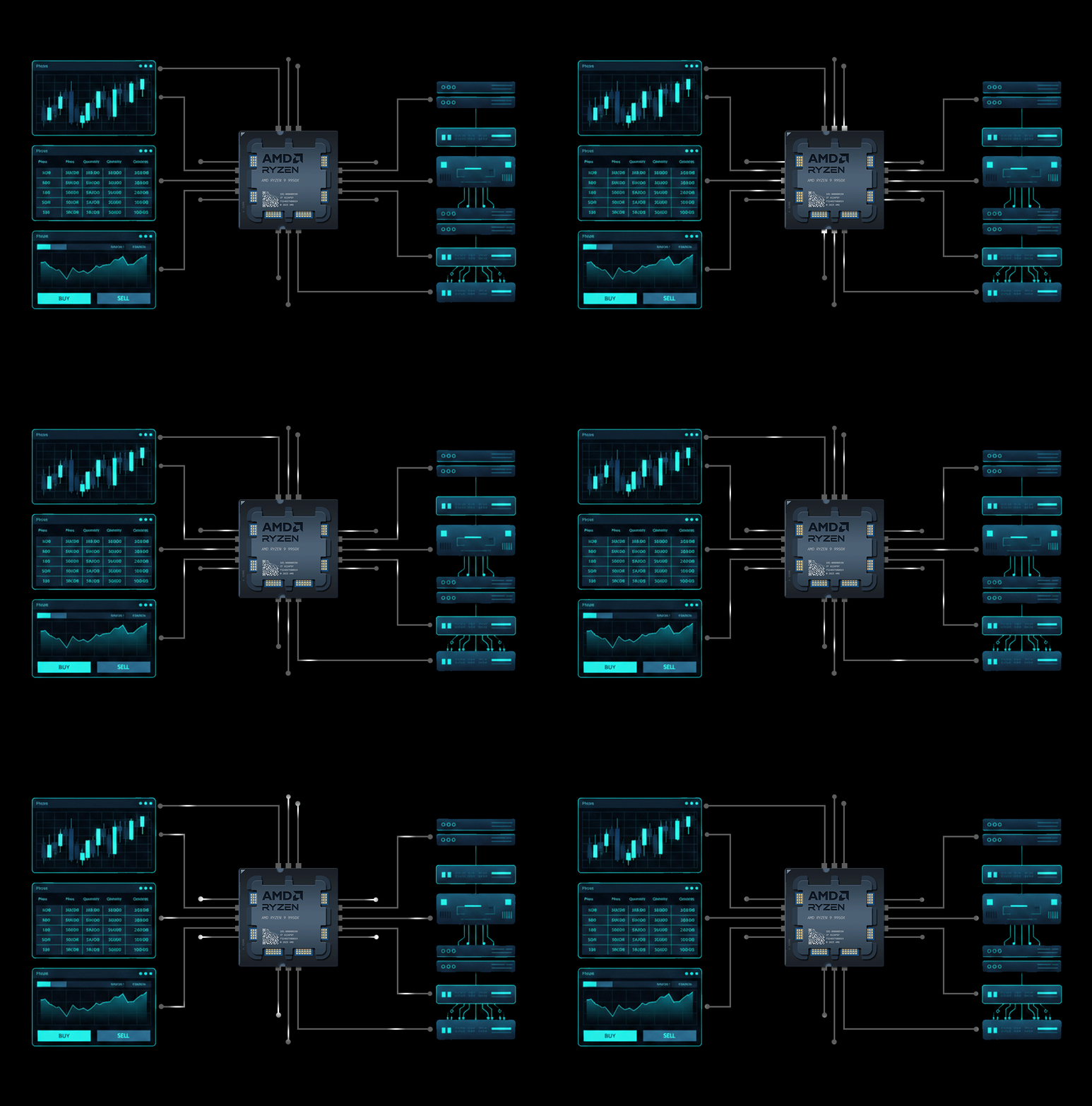
Our VPS is powered by AMD Ryzen 9 9950X high-frequency CPUs to deliver exceptional processing speed for heavy TradingView sessions. Combined with fast NVMe SSD storage and dedicated resources, this ensures smooth performance even when running dozens of charts, indicators, and alerts concurrently.
Optimized for Multi-Chart Layouts & Alerts
TradingView excels at handling complex, multi-chart workflows—so our VPS is tuned to keep that experience fast and reliable. Designed for traders who run several chart windows across multiple monitors, the environment sustains indicator-heavy analysis without introducing lag. Real-time alerts and notifications fire consistently, and webhook-based automation integrates smoothly with your trade execution systems.
Windows Optimized VPS for TradingView
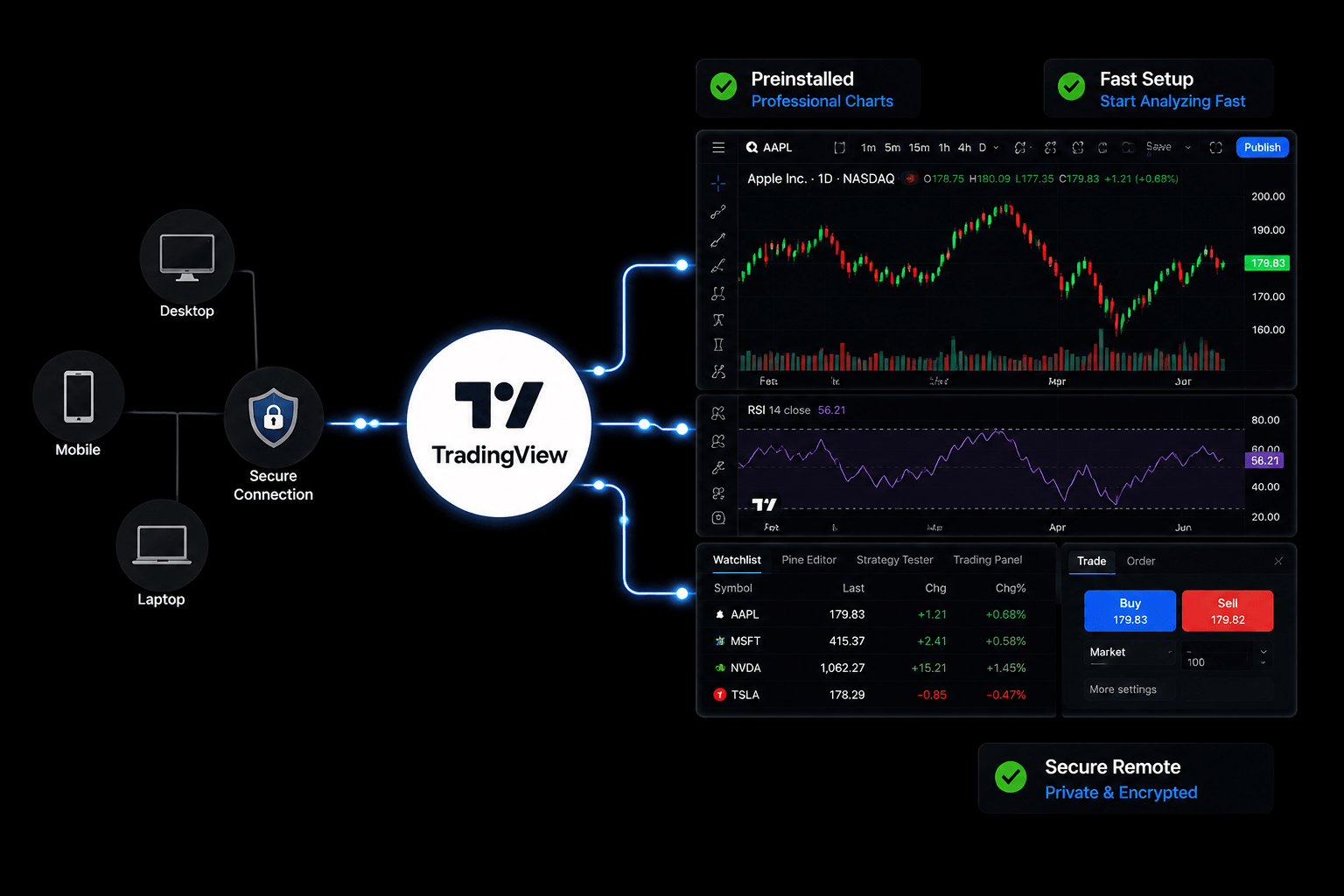
Our VPS is fully optimized for Windows environments to support the TradingView desktop app, web browser access, and webhook integrations. The optimized setup ensures stable charting performance, uninterrupted alert notifications, and smooth interaction with TradingView’s full feature set.
24/7 Uptime, Free DDoS Protection & Support
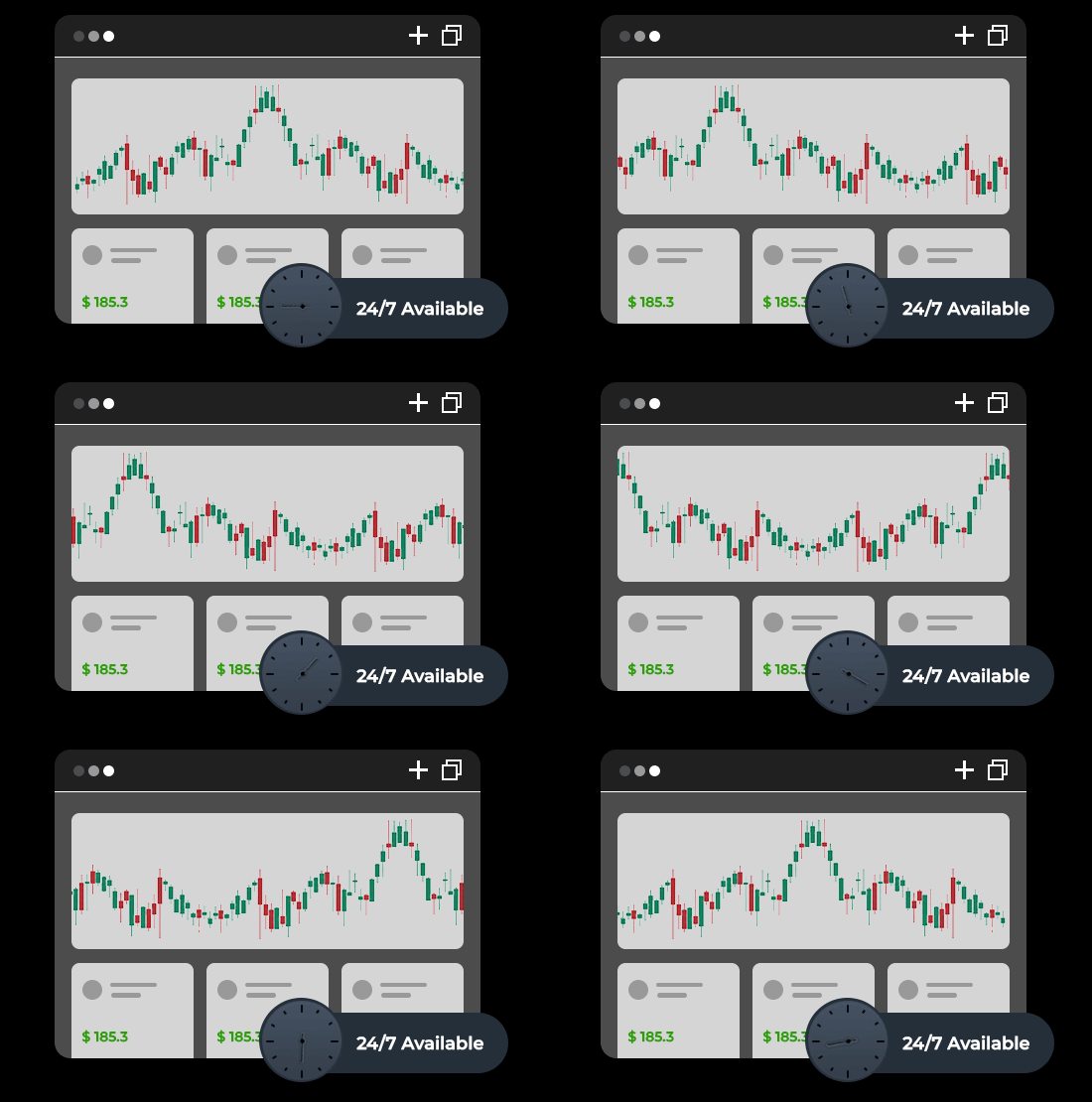
Our TradingView VPS provides reliable 24/7 uptime, keeping your charts, alerts, and automated workflows running continuously. Free DDoS protection ensures stable connectivity during high-traffic periods, and 24/7 technical support is available for setup, troubleshooting, or performance optimization.
TECHNICAL SPECIFICATIONS
TradingView Optimized Infrastructure
Our VPS are specifically configured and optimized for TradingView to deliver maximum performance for multi-asset trading
CPU
AMD Ryzen™ 9 9950X
High-frequency Trading Optimized
Memory(RAM)
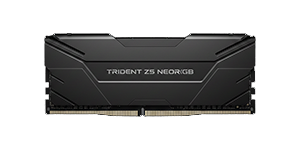
DDR5 RAM
High-performance DDR5 Memory
Storage
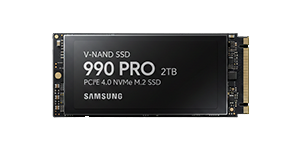
NVMe Gen5 SSD
Ultra-fast NVMe Gen5 SSD Storage
Network
1 ~ 3Gbps Connection
Ultra-low Latency Connection
Operating System
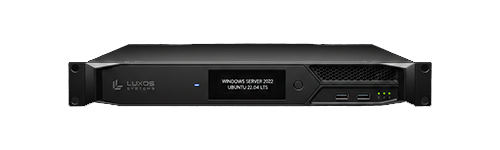
Windows Server 2022
Optimized OS environment
Security
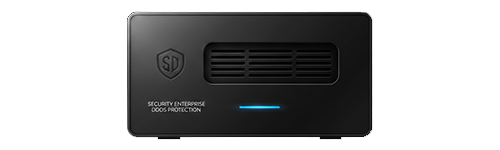
Enterprise DDoS Protection
Multi-layer security protocols
HOW IT WORKS
How does TradingVPS work?
Explore our infrastructure, monitoring systems, and the platforms that power professional trading
Real-Time Server Monitoring
24/7 monitoring of CPU, RAM, and network performance with instant alerts
Global Network Infrastructure
Fiber-optic connections to major financial centers worldwide
Enterprise Security Protection
Advanced DDoS protection and threat monitoring systems
24/7 Technical Support
Expert trader-focused support team available around the clock for all your VPS needs
FAQ
Have any questions?
Your burning questions, answered swiftly and succinctly.
Can I run multiple TradingView charts on a VPS?
Yes. Our VPS is built to support multiple charts, indicators, and layouts without slowing down platform performance.
Is this VPS suitable for TradingView automation?
Yes. Our VPS supports webhook integrations and automated signals for TradingView alerts, ensuring your trading workflow remains uninterrupted.
Can I access TradingView from multiple devices using the VPS?
Yes. You can securely access your VPS from desktops, laptops, tablets, or mobile devices while keeping your TradingView session active.
Not Sure?
Try a Free 1–3 Day VPS Trial
We offer a 1–3 day test period for our VPS service. Please contact support via live chat or email if you would like to activate a trial.